
Deliver work with
clarity and confidence
Uplo keeps your updates, previews, approvals, and final delivery organised in one timeline
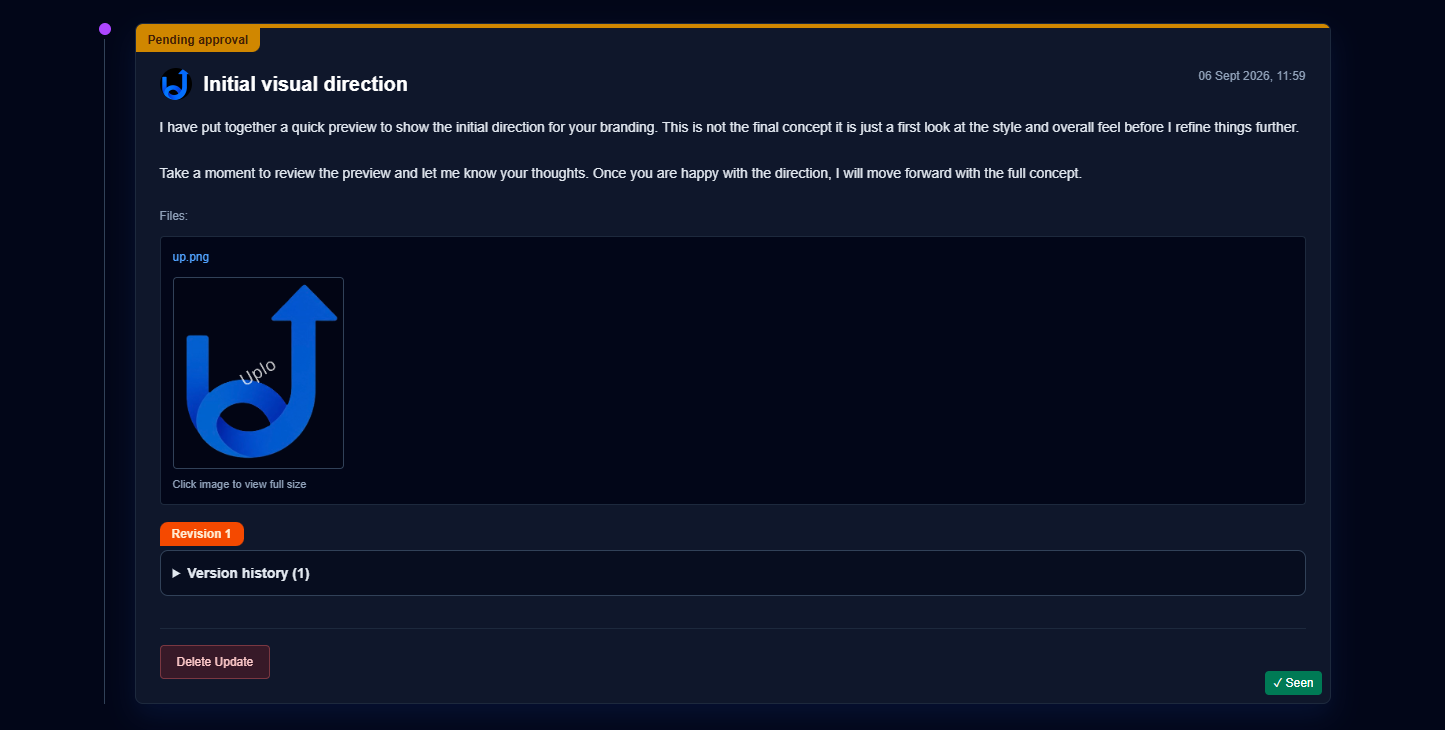
Try the Demo
Try Demo
Explore the freelancer dashboard and see how to manage clients, create updates, and handle approvals
Role
Freelancer
Experience
Dashboard & Client Management
Try Client Portal
Experience the client-facing portal where clients view updates, approve work, and download files
Client Name
Sarah Johnson
Project
Brand Identity
Who Uplo Is Built For
Wedding Photographers
Deliver galleries, previews, and final edited photos through a clean client portal with approvals and secure file delivery.
Videographers
Share cuts, revisions, and final films using structured updates, watermark previews and clear approval steps.
Designers
Present concepts, collect feedback and deliver final brand assets professionally without messy email threads.
Editors
Send drafts, revisions and polished final edits with a timeline that keeps clients informed at every stage.
Developers
Provide progress updates, feature previews, and final deliverables in an organised workspace clients can easily follow.
Consultants
Share documents, insights and project milestones while keeping communication structured and professional.
How Uplo Works

Add updates
Add Updates lets you share progress with your client in a clean format. You can upload images, videos, sounds or a general text update. Uplo automatically arranges everything into a visual timeline, making it easy for clients to follow along and see what’s new.
Send previews
Send Previews to share work-in-progress files within the timeline. You can upload multiple images at once and select display as photo gallery to arrange them into a visual grid. Videos appear in a built‑in player and can be played directly from the timeline without downloading. All files under 100MB are watermarked automatically on upload, and for larger files you can choose whether to apply a watermark or keep the original version.

Ask For Approvals
Approvals lets you request sign‑off on any file or update you share with your client. When you mark an item for approval, your client can approve it or request a change directly from the timeline. They can also leave a note with their feedback, keeping all revision discussions organised in one place.
Invoices & payments
Freelancers can accept payments directly inside Uplo using secure Stripe‑powered checkout pages. Uplo uses Stripe Connect so clients pay freelancers safely and instantly, with funds going straight to the freelancer’s own Stripe account. Uplo does not take any commission, giving freelancers full control over their earnings.

Final delivery
Final Delivery lets freelancers release full‑quality files to their clients once a project is complete. If Stripe is used for payment, Uplo automatically unlocks the final files as soon as the invoice is paid. If a freelancer accepts payment outside of Stripe, they can manually mark the invoice as paid, and the files will be released instantly. This keeps the delivery process smooth, secure, and fully under the freelancer’s control.
Feature Highlights
Read Receipts
See when clients view updates, previews, or final delivery.
Client Messaging
Simple, focused messaging built directly into the timeline.
Income Dashboard
Track earnings, paid invoices, and monthly totals in one place.
Analytics & Insights
See which clients engage most and your delivery performance.
Unlimited Projects & Clients
Manage all your client work in one organised system.
Stripe Billing Integration
Professional invoices, secure payments and automatic delivery unlocks.
Pricing
Free Plan
£0 per month
A light starting point for freelancers setting up their first workspace.
Pro Plan
£24 per month
For active freelancers who need unlimited client workspaces and the full delivery workflow.
Ultimate Plan
£39 per month
For studios and high-volume freelancers who need branding, audit visibility, and larger file limits.
Frequently Asked Questions
How does final delivery work?
Once the client approves the last update and the invoice is paid, Uplo automatically unlocks the final files. Watermarks are removed, and the client can download everything directly from their portal.
How do payments work?
Payments are handled securely through Stripe. Clients receive an invoice, pay online, and Uplo updates the project status instantly. Once payment is confirmed, final delivery becomes available.
Can clients upload files?
Yes. Clients can upload reference files, documents, or assets you need for the project. Everything stays organised inside the timeline so nothing gets lost.
What happens when I upgrade?
Upgrading unlocks additional features immediately, including branding options, advanced analytics, larger storage and premium delivery tools. Your existing projects stay exactly the same.
Do clients need an account?
No. Clients access their portal through a secure link. They can view updates, approve work, download files, and send messages without ever needing to create an account.